Operations
What went to this address, and is the thing that sent it still running.
Two questions you ask when something feels off. Both are answered on a screen rather than by reading logs, though the logs are there too.
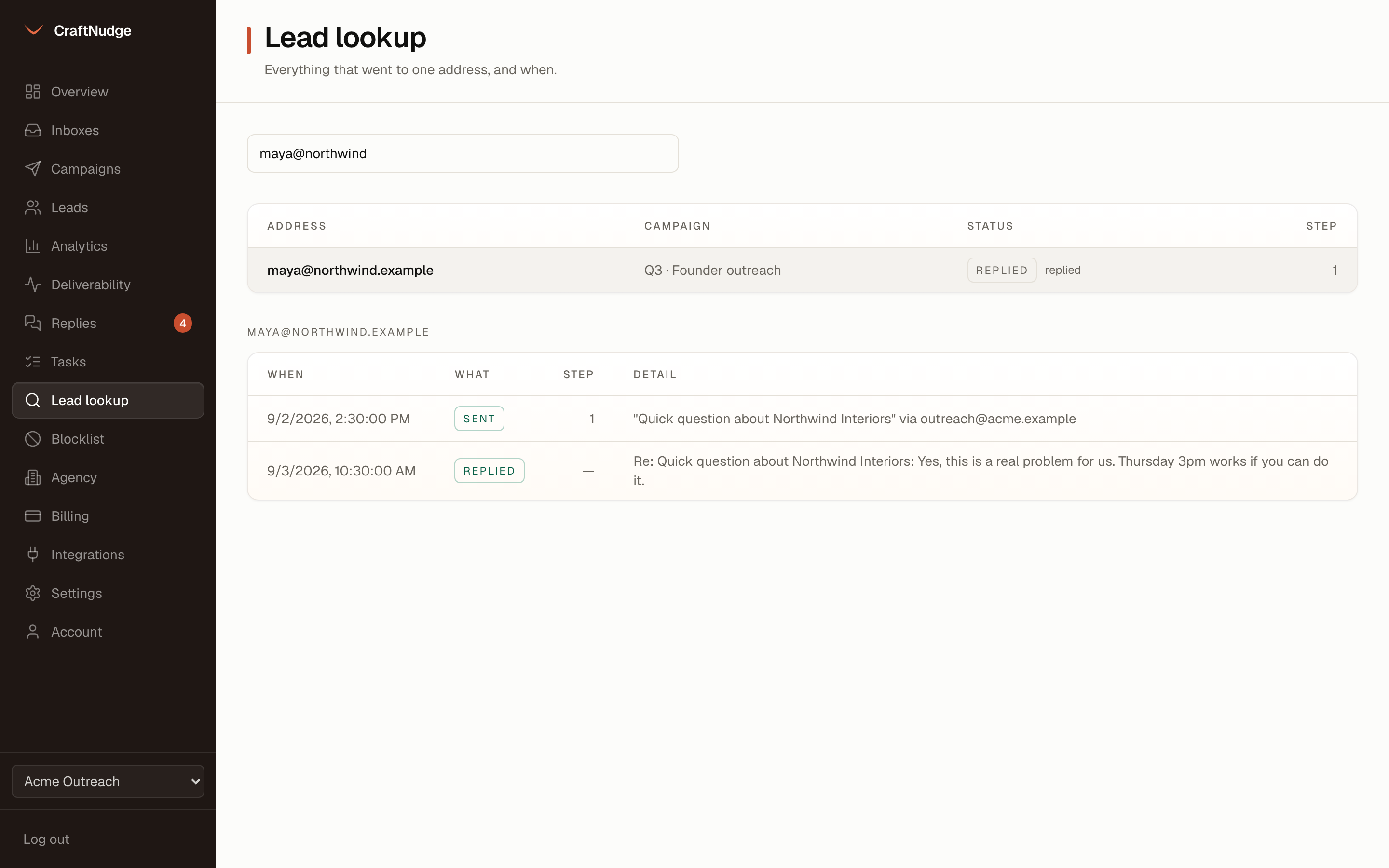
Lead lookup
Type part of an address and see every campaign it is in, then a timeline: sent, with the subject and the inbox it left from. Deferred or failed, with the server’s reason. Opened, clicked, replied, bounced or auto-replied, each with its time.
Who changed what
Settings, on the Activity tab, lists the latest changes in the workspace, newest first, with who made each: campaigns started and paused, settings, inboxes and their caps, team members, client report links, and a request to delete the workspace. Filter it by what changed or by who changed it, and Download CSV saves what the page shows. Anyone on the team can read it.
Everyone, whichever campaign
A leads page lists every person in the workspace with status, interest and step, so an address that turns up does not need you to remember which campaign it came from.
Worker health
The admin page shows each loop’s last tick, how long it took and whether it is late: the sending loop and the webhook retries after three minutes, the inbox poll after six. The last error sits next to it.
The queue
How many leads are due right now, how many sends are in flight, and how old the oldest due lead is.
Inboxes complaining
Any inbox that is not plainly active, is in backoff after a throttle, or has had sends fail in the last day, sorted by failures.
Backups
A backup script dumps the whole database and keeps fourteen days of them. The admin page shows the last file, its size and how many hours ago it ran. The restore has been rehearsed, including that the stored inbox passwords still decrypt.
Structured logs
Every event that happens to a lead is one JSON line in the container logs, so the same question can be answered with grep when the database is not to hand.
A kill switch
Suspend a workspace and its sending stops on the next tick.